 NaturalRewrite
Phrasly AI Review 2026: Does It Actually Work?
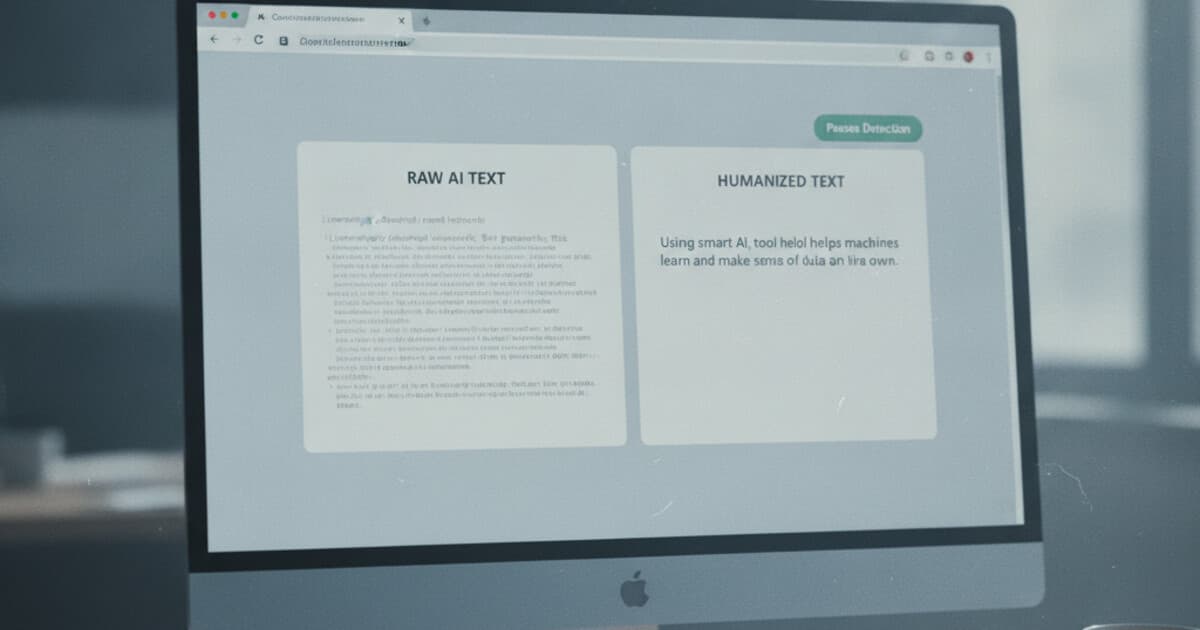
Phrasly AI keeps showing up in student forums and Reddit threads when people want a straight answer: does it actually pass Turnitin and GPTZero? With over 27,000 monthly searches, there's real demand for an honest verdict. This review covers what Phrasly does, how it performs against real detectors, what you'll pay at each tier, and where it's genuinely useful versus where it falls short.
I tested the tool across multiple content types using both the free tier and paid access. No affiliate arrangement with Phrasly.
Phrasly AI is a web-based AI humanizer that rewrites AI-generated text to pass detectors like Turnitin, GPTZero, and Originality.ai. It offers a free plan with limited daily usage and paid plans starting around $10–15/month. On short texts, bypass results are acceptable. On longer documents split across multiple passes, consistency drops enough to matter.
What Is Phrasly AI?
Phrasly AI is a web-based humanizer built primarily for students who use ChatGPT or similar tools to draft assignments and need the output to clear AI detection. The pitch is simple: paste text, select a mode, click humanize, and get back content that reads like a person wrote it.
There's no file upload, no mobile app, and no browser extension. Everything happens in a browser tab through copy-paste. For users who process content regularly, that manual workflow adds up.
The tool offers a small set of humanization modes, ranging from lighter paraphrasing to more aggressive sentence restructuring. The aggressive modes produce better detection results but can drift from the original meaning in ways that require review, especially on technical or research-heavy content.
The AI humanizer space grew from a handful of tools in 2023 to over 40 distinct products by 2026, all targeting students, content creators, and marketing teams. Most tools, Phrasly included, use a language model to rephrase AI-generated text while targeting the perplexity and burstiness signals detectors rely on. Phrasly applies sentence-level restructuring rather than surface synonym swapping, which produces more natural-sounding output on conversational prose. Bypass rates are sensitive to text length. Published AI humanizer comparisons from 2025–2026 report 65–80% pass rates on Turnitin's detection for single-pass inputs under 500 words. Longer documents require splitting into chunks, and each chunk is humanized independently. The resulting phrasing seams are detectable, particularly on academic writing where sentence cadence is already constrained by subject matter. This chunk-splitting limitation is structural and shared by most tools in the category, not unique to Phrasly.
How Phrasly AI Works
The workflow is about as simple as humanizers get:
- Create an account (no credit card required for the free tier)
- Paste your AI-generated text into the input box
- Select a humanization mode
- Click humanize and wait 10–20 seconds
- Review the output, then verify with the built-in detector
The built-in AI detection checker runs inside the same interface, so you don't need to open a separate tab to test whether the output clears. That's a practical convenience that several competing tools don't offer without paying extra.
Mode selection matters more than people expect. The lighter modes preserve sentence structure and run faster, but leave more detectable patterns in place. The heavier restructuring modes produce text that clears detectors more consistently, but they reorder phrasing in ways that can drop key details from technical content. For anything factual or precise, read the output carefully before using it.
For texts under 400 words, the process is quick and the output usually reads cleanly. Above that, you're splitting content manually and stitching the results together, which is where extra editing time goes.
Phrasly AI Pricing
The free plan gives you limited daily usage: roughly 100–300 words per request with a daily cap on total humanizations. It's functional enough to test the tool on a real paragraph before committing to a subscription.
Paid plans start around $10–15/month and increase both the per-request word ceiling and daily usage limits. Higher tiers push the per-request limit to 1,000–3,000 words and remove daily caps. The exact pricing changes frequently, so check phrasly.ai directly for current rates.
Compared to the broader market, Phrasly sits in the middle range. Most AI humanizers in 2026 cluster between $7 and $20/month for their core paid plans. Phrasly's free tier is more functional than several competitors who've stripped free access down to a few sentences, but it still caps out before you can run a proper test on a full-length piece of work.
One consistent limitation across all plans: no API, no file upload, and no bulk processing. Every text goes through the web interface one paste at a time. For anyone humanizing more than a few hundred words per day, that's a real friction point regardless of which tier they're on.
Does Phrasly AI Bypass AI Detection?
For short texts on general-purpose detectors like GPTZero and ZeroGPT, Phrasly performs reasonably well. Casual writing, short essays, and discussion posts typically clear in a single pass.
Turnitin's AI detection is a harder target. It uses document-level pattern analysis, not just sentence-level signals. Short samples humanized in one pass fare better. Full essays humanized in chunks show more inconsistent results, particularly on academic writing where the original text has structural patterns that rewriting can reduce but not eliminate across seam boundaries.
Originality.ai is the toughest target in the category. Most tools, including Phrasly, show lower consistent bypass rates against Originality's classifier. If that's your primary concern, run tests on your actual content type before relying on the tool for anything that matters.
One practical habit worth building regardless of tool: always run the built-in checker on the final output before using it anywhere. The checker inside Phrasly won't tell you which specific signal flagged the text, but it gives you a go/no-go on the current output before you submit.
What Phrasly AI Does Well
The free tier is genuinely usable. You can test whether the tool works for your content type before paying, which matters in a market where free tiers are often too limited to be informative.
Speed is a real strength. Results come back in 10–20 seconds, which matters when you're working against a deadline. The clean interface means there's almost no learning curve.
The built-in detection checker saves meaningful time. Having humanization and verification in one tab cuts out the back-and-forth between Phrasly and external detectors like GPTZero.
For short-form content — discussion replies, short paragraphs, casual blog sections — Phrasly produces output that reads naturally. The sentence-level restructuring avoids the flat, repetitive cadence that simpler synonym-swapping tools produce.
Where Phrasly AI Falls Short
The chunk-splitting problem is the biggest practical issue. Long documents humanized in multiple passes come back with visible seams. Adjacent paragraphs can end up with mismatched tone or repeated sentence structures because each chunk gets processed in isolation. Smoothing the output takes real editing time.
Phrasly doesn't offer tone-specific modes. There's no Academic mode for formal papers, no Casual mode for discussion posts, no Professional mode for workplace writing. You get a set of intensity modes, and the output tone depends entirely on the tool's judgment rather than any input from you. If matching the humanized output to a specific writing context matters, Phrasly gives you no mechanism to control that.
There are no custom style profiles. If you're humanizing content consistently and want the output to match your personal voice, you're working with whatever default phrasing the model prefers. The output won't sound like you; it'll sound like a humanized version of AI.
No API, no browser extension, no file upload, no bulk processing. Copy-paste is the only input method across every plan.
Phrasly AI vs. NaturalRewrite
A few differences are worth naming directly.
NaturalRewrite runs 5 tone modes (Standard, Casual, Academic, Professional, Creative), which lets you steer the output toward the specific context you're writing for. An academic essay needs different phrasing than a casual blog post, and the mode handles that in one click instead of requiring manual post-editing.
Custom writing style profiles on NaturalRewrite's Pro and Unlimited plans let you save your voice once and apply it consistently across pieces. That's meaningful for anyone humanizing regularly who wants the output to sound like them rather than like a generic humanized draft.
On pricing, NaturalRewrite's Starter plan is $7/month with 30 humanizations per day at up to 1,500 words per request. That covers most individual workflows without the per-request splitting that Phrasly's lower tiers require. The built-in AI detection checker is unlimited on all paid tiers.
Phrasly's free tier is slightly more usable than NaturalRewrite's for initial testing, but the gap narrows quickly once you need to work on anything longer than a few paragraphs.
The StealthWriter AI review and the Walter Writes AI review cover two other tools with similar tradeoffs between pricing and detection consistency. For a full comparison across the humanizer category, the best AI humanizer 2026 roundup breaks down the main options by use case and price.
Frequently Asked Questions
Is Phrasly AI free?
Yes. Phrasly has a free plan that doesn't require a credit card. The daily word limit is low (roughly 100–300 words per request), but it's enough to run a real test on a short paragraph before paying. Most users hit the cap quickly on anything essay-length.
Does Phrasly AI bypass Turnitin?
For short texts under 500 words, Phrasly performs reasonably well on Turnitin's AI detection. Longer documents split across multiple chunks show more inconsistent results because each chunk is humanized independently, producing seams that Turnitin's document-level analysis can catch. Test on your actual content type before relying on it for any high-stakes submission.
How much does Phrasly AI cost?
Paid plans start around $10–15/month depending on current pricing, with higher tiers allowing more words per request and unlimited daily uses. Pricing in this category changes frequently, so check phrasly.ai directly for the current rate.
Is Phrasly AI safe to use?
Phrasly processes text through its servers, as all web-based humanizers do. Academic integrity is a separate concern from detection: whether using an AI humanizer violates your institution's honesty policy depends entirely on that policy, and no tool can answer that for you.
What's the best Phrasly AI alternative?
NaturalRewrite is the most direct comparison, with 5 tone modes, custom style profiles, and a lower Starter price at $7/month. WriteHuman and StealthWriter are also commonly compared. If Turnitin or Originality.ai is your primary concern, test each tool against a real sample of your content before choosing.
If you need AI detection bypass with tone-matched output and custom style control, NaturalRewrite covers the gaps where Phrasly falls short. Choose Academic mode for papers, Casual for discussion posts, and verify with the built-in detector before submitting anything. The free tier gives you 5 humanizations per day with no credit card required. Start at naturalrewrite.com.