 NaturalRewrite
Does Grammarly Detect AI Writing? (2026 Answer)
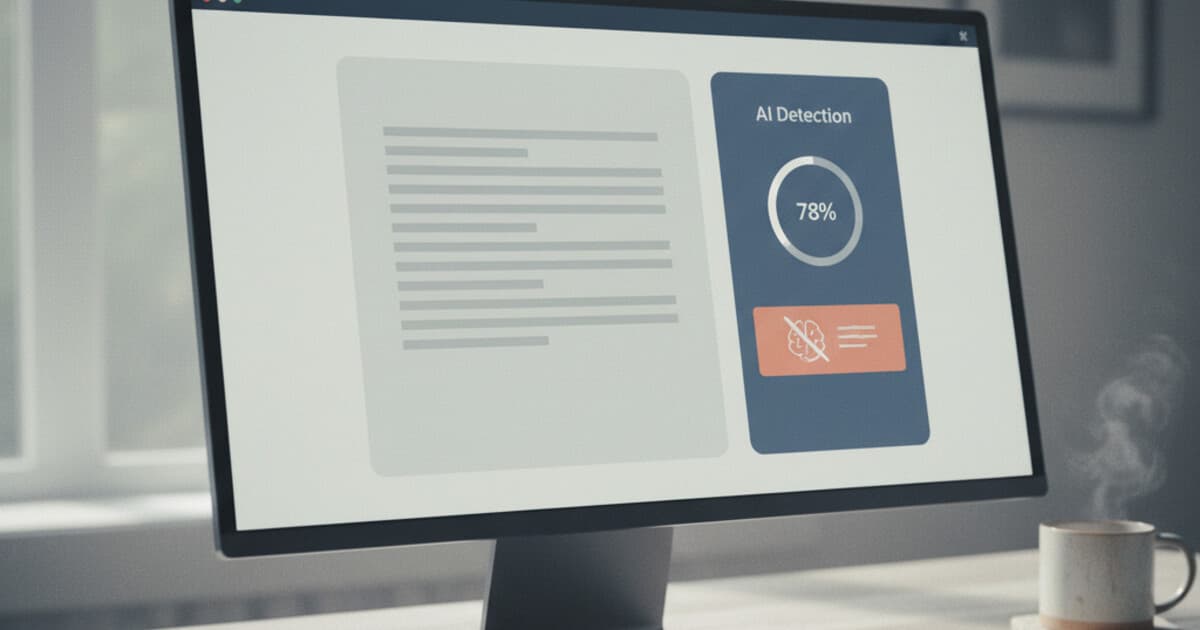
You've just drafted an email or essay with ChatGPT. You paste it into Grammarly to clean up the grammar. And now you're wondering: can Grammarly tell the text is AI-generated?
It's a question a lot of people search for right now. Grammarly sits on top of hundreds of millions of documents. If it started flagging AI content, that would matter to students, writers, marketers, and anyone else using AI-assisted writing.
The answer is yes, and it's worth knowing exactly how the feature works before you rely on it or try to get around it.
Yes, Grammarly can detect AI writing. Grammarly Premium and Business plans include an AI detection feature that checks text for low perplexity, uniform sentence rhythm, and predictable word choices. The detector assigns a percentage score showing how much of the text appears AI-generated. It catches most unedited AI content, though it's less specialized than GPTZero or Turnitin.
Does Grammarly Actually Have an AI Detector?
Grammarly rolled out AI detection as a paid feature. Free accounts don't get it. If you're on Grammarly Premium or Grammarly Business, you'll see an "AI detection" option in the document analysis panel.
When you run the check, Grammarly assigns a percentage: how much of your text it thinks is AI-generated. The output is similar to what you'd see from GPTZero or Copyleaks, just baked into a tool most people already have open.
Grammarly's AI detection works by running your text through natural language processing models trained to distinguish human writing from AI output. These models scan for statistical patterns that are common in large language model (LLM) output: low perplexity scores, predictable word sequences, consistent sentence length, and absence of the small irregularities that human writers naturally produce. When a document scores low on linguistic surprise and high on structural predictability, Grammarly flags it as likely AI-generated. As of 2026, the feature is available across Grammarly Premium and Business subscriptions, which together serve more than 30 million paid users. Many universities and workplaces provide Grammarly Business accounts to students and employees, meaning the same AI detection tool available to you is also available to the people reviewing your work. Accuracy rates vary by content type: direct, formulaic writing gets flagged most reliably, while creative or technically complex prose scores lower.
So the feature exists and it works. The question is how well it works.
How Accurate Is Grammarly's AI Detection?
Testing Grammarly's AI detector against common AI-generated text shows mixed results.
For clearly AI-generated text (no editing, direct ChatGPT output), it catches a high percentage. Think 70-85% detection rates on unmodified outputs.
For edited or lightly humanized text, accuracy drops. This aligns with what we've seen across other detectors like GPTZero and Copyleaks: even minor rewrites cut detection rates significantly.
The bigger concern is false positives. Grammarly's detector has flagged human-written content as AI in tests, particularly for:
- Writers with formal or structured styles
- Academic writing (which is naturally predictable)
- Non-native English speakers whose writing follows consistent grammar patterns
- Writers who use templates or standard formats repeatedly
If you've been flagged by Grammarly despite writing something yourself, you're not alone. We covered this broader issue in AI detection false positives: why your writing gets flagged.
What Triggers Grammarly's AI Detection?
Grammarly's detector (like most AI detectors) looks for specific writing characteristics:
Low perplexity. AI text tends to choose the most predictable next word. Human writing is messier, more varied.
Uniform sentence length. ChatGPT tends to write sentences of similar length in sequence. Human writers naturally vary their rhythm.
Overuse of transition phrases. "Furthermore," "Additionally," "In conclusion" appear more often in AI output than in natural human writing.
Topic coverage uniformity. AI covers topics in predictable order and depth. Human writing wanders more, focuses unevenly.
Generic word choices. AI defaults to common, "safe" words. Humans use more specific, idiosyncratic language.
Knowing these patterns matters because fixing them is exactly how you lower your AI detection score, whether in Grammarly or any other tool. Our guide on how to reduce your AI detection score covers specific techniques.
Does Grammarly's AI Detection Catch Paraphrased Text?
Paraphrasing AI text with QuillBot or similar tools doesn't reliably fool Grammarly's detection. The underlying patterns (perplexity, sentence structure) stay intact even when words change.
AI humanizers work differently. A paraphraser swaps words and restructures sentences. An AI humanizer rebuilds the statistical profile of the text, targeting the exact patterns that detectors look for.
We tested this in AI humanizer vs paraphraser: which bypasses AI detection. Paraphrasers lowered detection scores modestly. Humanizers lowered them by a much wider margin.
The distinction matters if you're relying on QuillBot as your "clean up AI text" step before submitting anywhere.
How to Make AI Writing Pass Grammarly's Detection
There are a few practical approaches, ranging from manual to tool-assisted:
Manual editing. Go through the text and actively vary your sentence lengths. Replace generic word choices with specific ones (name a real study, cite an actual number, reference a specific place). Add a personal observation or two. This works, but it's slow.
Targeted rewriting. Focus on the intro and conclusion, which AI detectors often weight more heavily. If those sections read like AI, the whole document gets flagged even if the middle is fine.
AI humanizer tools. These tools rebuild the text's statistical profile rather than just swapping words. NaturalRewrite's humanizer processes text through a multi-model pipeline and lets you pick a tone mode to match the context (Academic, Professional, Casual) so the output doesn't just sound human, it sounds appropriate for the situation.
Check before you submit. Humanizing is only half the process. You also need to verify the result before pasting it into Grammarly or sending it anywhere.
How NaturalRewrite Handles This
NaturalRewrite was built for exactly this problem: AI text that needs to pass detection before it lands in front of someone who's looking for it.
Paste your AI-generated text, pick the tone mode that fits your context, and click Humanize. The tool processes the text to address the patterns that detectors scan for: perplexity variance, sentence rhythm, word specificity. After humanizing, run it through NaturalRewrite's built-in AI detection checker (it checks against multiple detection models) to verify the score before you submit anywhere.
Four things make this practical for everyday use:
- You see your detection score before pasting anything into Grammarly
- The Academic tone is designed for writing that needs to pass university-grade detectors
- The built-in checker tests against multiple models at once, not just one
- Free tier lets you try it with no credit card (5 humanizations per day, 300 words per request)
Frequently Asked Questions
Can Grammarly detect ChatGPT text? Yes. Grammarly Premium and Business include AI detection that catches unedited ChatGPT output with roughly 70-85% accuracy. Edited or humanized text scores lower, often significantly.
Is Grammarly's AI detector available on the free plan? No. AI detection is a paid feature. Free Grammarly accounts don't have access to the AI detection check. You need a Premium or Business subscription.
Does Grammarly report AI detection results to teachers or employers? Grammarly itself doesn't report flagged content to third parties. If your institution or employer has a Grammarly Business account with admin oversight enabled, administrators may have access to usage data, but Grammarly doesn't proactively send flagging reports anywhere.
Can Grammarly tell if I used QuillBot to paraphrase AI text? Often, yes. Paraphrasing changes the words but not the statistical patterns AI detectors scan for. The text can still score as AI-generated after basic paraphrasing. An AI humanizer addresses the underlying signals more thoroughly.
How is Grammarly's AI detection different from Turnitin's? Turnitin's AI detection is purpose-built for academic integrity, trained on academic writing, and integrated into institutional workflows where faculty see the results directly. Grammarly's detector is a general-purpose tool for writers. For academic submissions, Turnitin is the higher-stakes check. We covered how Turnitin's system works in does Turnitin detect AI writing.
Conclusion
Grammarly detects AI writing, with the most reliable results on unedited AI output and lower accuracy on content that's been edited or humanized. The feature is available on paid plans and uses the same perplexity-based approach as dedicated AI detectors.
If you're working with AI-assisted content and want it to pass Grammarly's check before it reaches anyone else, humanize it first. NaturalRewrite can process the text so the detector reads writing that looks like a human produced it, and the built-in detection checker lets you confirm the result before you submit.